
Hey, cruise enthusiasts! Imagine sailing through turquoise waters, sipping a cocktail by the pool, and still being able to check in with family back home or post that perfect sunset pic on social media—all without shelling out extra cash for the internet. Sounds dreamy, right? If you’re gearing up for a Carnival cruise, you might be scratching your head over staying connected at sea. Those onboard WiFi charges can sneak up on you, but don’t worry. In this guide, we’ll dive into smart ways to snag free or super affordable access. Whether you’re a first-timer or a seasoned sailor, learning how to get free WiFi on Carnival cruise can save you a bundle and keep the good vibes flowing.
Let’s face it, cruises are all about unplugging, but sometimes you just need that quick connection. Carnival ships are packed with fun, from water slides to comedy shows, but their internet isn’t exactly complimentary across the board. That said, there are clever workarounds that many travelers swear by. I’ll walk you through them step by step, drawing from real cruiser experiences and official info. By the end, you’ll feel like a pro at navigating this.
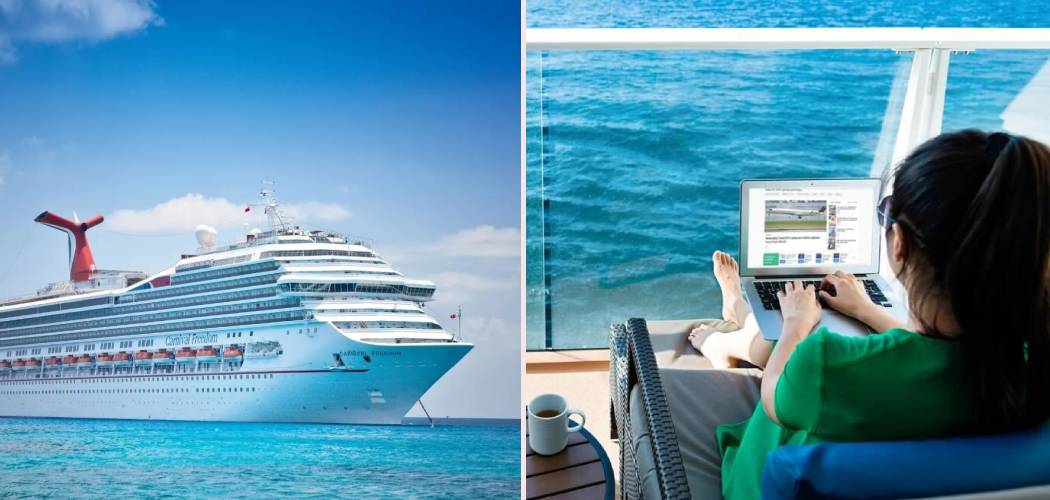
Understanding Carnival’s WiFi Options
Before we jump into the freebies, it’s helpful to know what Carnival offers officially. Their onboard internet is powered by satellite, which means it’s reliable but not always lightning-fast, especially when the ship’s full. Carnival has three main plans: Social, Value, and Premium. These are priced per day and can be bought before your trip for a discount or once you’re onboard.
The Social plan is the most basic, letting you hit up sites like Facebook, Instagram, WhatsApp, and TikTok. It’s great for quick updates but blocks streaming or video calls. Prices start around $18-22 per day, depending on when you buy. Then there’s the Value plan, which adds email, news, and general browsing—think checking weather or sports scores. That one runs about $22-26 daily. For the full experience, Premium gives you streaming capabilities, like Netflix on select ships, at up to $24-28 per day. They even have a multi-device option for families, starting at $75 for up to four gadgets.
Now, here’s the kicker: there’s no blanket free internet on Carnival ships. But they do provide limited free access for their HUB app, which is a game-changer. More on that soon. If you’re thinking about Carnival cruise WiFi plans, pre-purchasing saves money, but if free is your goal, we’ve got tricks up our sleeve.
Step-by-Step Guide to Getting Free or Low-Cost WiFi
If you’re eager to master how to get free WiFi on Carnival cruise without those daily fees, you’re in the right spot. This section breaks it down into simple, actionable steps. I’ve chatted with plenty of cruisers who’ve pulled this off, and it’s all about being prepared and a bit resourceful. We’ll cover everything from onboard hacks to port-side strategies. Remember, while full unlimited free internet isn’t standard, these methods can get you close without spending a dime.
Step 1: Download and Use the Carnival HUB App
First things first, grab your phone and download the Carnival HUB app before you even set foot on the ship. It’s available for free on iOS and Android, and once you’re onboard, connect to the ship’s WiFi network—no password needed for this part. The app uses Carnival HUB app WiFi that’s complimentary, meaning you can access a ton of features without buying a plan.
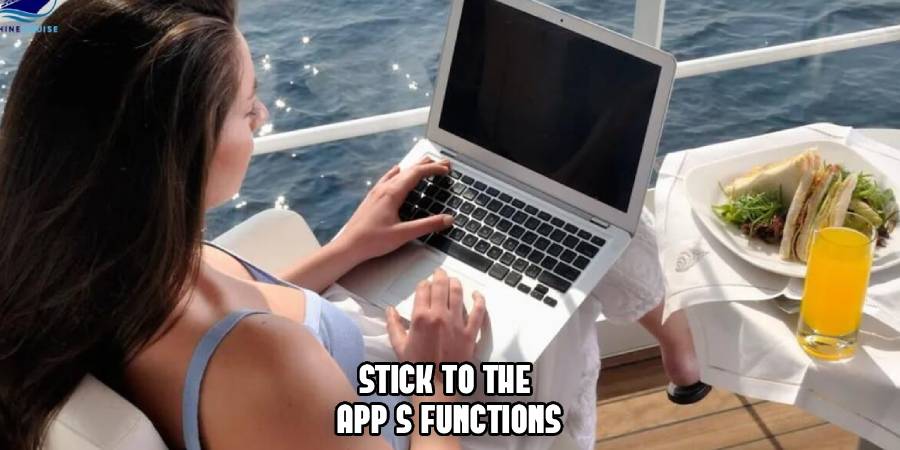
What can you do? Check daily schedules, view deck plans, make dining reservations, track your onboard account, and even chat with your travel buddies via text. It’s like having a cruise concierge in your pocket. Many folks use it to coordinate meetups or see what’s happening at the comedy club. Pro tip: Turn off data roaming on your phone to avoid accidental charges, and stick to the app’s functions. This alone covers a lot of what people need for onboard connectivity, and it’s one of the easiest ways to dip into free WiFi on cruise ships like Carnival’s.
Step 2: Hunt for Free WiFi Spots in Ports
Ah, port days—the perfect opportunity to stretch your legs and score some free internet. When your ship docks, head ashore and look for spots with open networks. Cafes, restaurants, libraries, and even shopping malls often offer free WiFi in cruise ports to attract visitors. For example, in places like Cozumel or Nassau, you’ll find McDonald’s, Starbucks, or local eateries with signs boasting “Free WiFi Here.”
To make it efficient, do a quick search on your phone (using any leftover data) for “free WiFi near [port name]” before disembarking. Once connected, download emails, upload photos, or video call home. I’ve heard from cruisers who batch their online tasks for these stops, saving big on ship fees. Just be mindful of security—use a VPN if you’re handling sensitive stuff. This method turns your excursions into dual-purpose adventures: sightseeing and staying linked up without touching Carnival internet packages.
Step 3: Check for Promotions and Loyalty Perks
Carnival loves rewarding repeat guests through their VIFP loyalty program, and while it doesn’t hand out full free internet, it can lead to discounts or bonuses that feel pretty close. If you’re Platinum or Diamond level (that’s after 75 or 200 cruise points), you get perks like priority boarding and complimentary drinks, but keep an eye on special offers. Sometimes, loyalty emails include promo codes for reduced Carnival cruise WiFi rates.
Newbies aren’t left out either. Watch for pre-cruise deals where WiFi is bundled or discounted. Or, if you’re booking a suite, double-check if any onboard credits apply toward the internet—though suites don’t automatically include free WiFi, those credits can offset costs. Join Carnival’s email list or forums to stay in the loop. One cruiser I know scored a half-off Premium plan through a flash sale. It’s not always guaranteed, but checking these can make cheap WiFi on cruise ships a reality.

Step 4: Use Your Mobile Data Strategically
Here’s where things get a bit techy, but it’s worth it for avoiding cruise WiFi costs. Many cell carriers offer international plans or cruise-specific packages that let you use your phone’s data at sea. For example, AT&T and Verizon offer $10–$20 daily add-ons, which can be cheaper than Carnival if you only need occasional access.
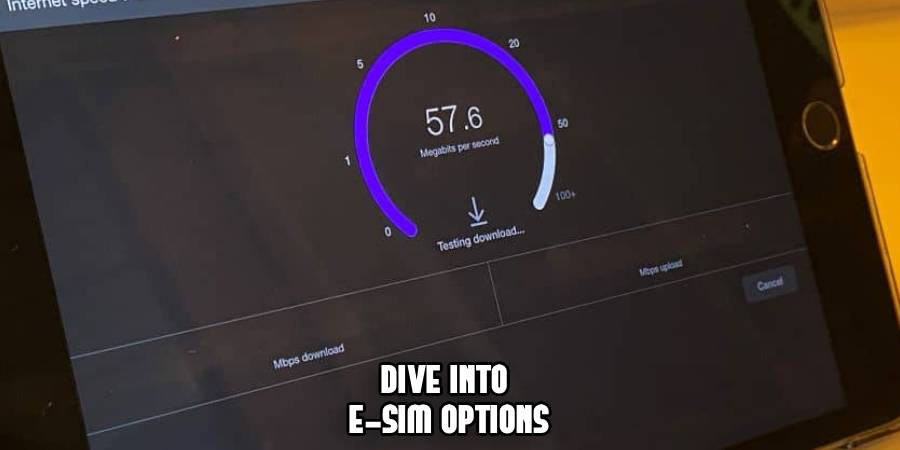
Better yet, consider an eSIM from providers like GigSky or Airalo. These digital SIMs give you data for specific regions, often cheaper than ship plans. Activate it before sailing, and switch to it when the ship’s signal is weak. Just remember, at-sea data can be pricey without a plan, so toggle it off when not in use. This is a solid hack for WiFi hacks for cruises, especially if you’re near land or in ports.
Step 5: Share a WiFi Package with Travel Companions
Traveling with family or friends? Team up! Buy one Value or Premium plan and share it via a portable router or by logging in on multiple devices (Carnival allows switching, but not simultaneous use on one plan unless it’s multi-device). Some savvy groups bring a travel router to create a mini hotspot in the cabin.
Split the cost, and suddenly that $20-30 daily fee feels like pocket change. Make sure everyone knows the login details, and rotate who uses it for heavy stuff like streaming. This works best for small groups and keeps everyone happy without individual purchases. It’s one of those onboard connectivity tips that turns a solo expense into a group win.
Step 6: Consider Alternative Data Solutions Like eSIM
If you’re tech-inclined, dive into eSIM options for cruise eSIM data. These are virtual cards you add to your phone, providing gigs of data for ports and even some at-sea coverage. Prices start low, like $5-10 for a day, and they’re perfect for bridging gaps between port WiFi.
Apps like Nomad or Ubigi specialize in travel data, covering Caribbean or Mediterranean routes common to Carnival. Set it up at home, and you’re good. Combine this with the HUB app, and you’ve got a robust setup without relying solely on the ship’s satellite. It’s a modern twist on staying connected affordably.
Additional Tips for Staying Connected
Beyond the steps, a few extra nuggets can enhance your experience. Always test your connection in the ship’s atrium or lounges—signal strength varies. Turn on airplane mode and enable WiFi only to prevent roaming surprises. If you’re into cruise ship WiFi hacks, consider a signal booster gadget, though check Carnival’s rules first.
Battery life is key; pack a portable charger since constant searching drains power. And hey, embrace the disconnect sometimes—cruises are for relaxation, after all. If you do splurge on a plan, go for Premium if streaming’s your thing; it’s the best bang for your buck.
Frequently Asked Questions
Got more questions? I’ve rounded up the most common ones based on what cruisers ask online.
Is there completely free WiFi on Carnival ships?
Not for full internet access, but yes for the Carnival HUB app. It lets you handle onboard stuff like menus and chats without extra cost. For broader web surfing, you’ll need a paid plan or port hotspots.
How much do Carnival internet plans cost?
They range from $18-28 per day, with discounts for pre-buying. Social is cheapest for basics, Premium for streaming. Multi-device adds convenience for groups.
Can I use my phone’s hotspot on the ship?
Technically yes, if you have a paid plan or data, but sharing via hotspot might violate terms. Better to use official sharing or routers discreetly.
What are the best WiFi hacks for cruises?
Top ones include port free spots, eSIMs, and app-only access. Avoid sketchy “free password” myths—they don’t exist.
Does the VIFP loyalty program offer free internet?
No freebies, but higher tiers might snag discounts through promos. It’s more about priority perks than complimentary WiFi.
Is the onboard internet fast enough for work?
Premium is decent for emails or light browsing, but don’t count on it for video conferences. Satellite tech has limits.

Conclusion
Wrapping it up, figuring out how to get free WiFi on Carnival cruise doesn’t have to be a headache—it can actually add to the adventure. By leaning on the HUB app, port hotspots, and smart data tricks, you’ll stay in touch without the extra expense. Remember, the real magic of a cruise is in the moments offline, like dancing under the stars or exploring new islands. Next time you’re booking, factor in these tips, and you’ll sail smoother. Safe travels, and may your connections be strong and your wallet happy!

Leave a Reply